
Build Your Design Empire in Roblox: Creating and Selling Your Own Skins

Build Your Design Empire in Roblox: Creating and Selling Your Own Skins. Exploring Creativity in Roblox, the virtual universe full of creative possibilities, offers players the chance to express their unique style through the creation of skins and clothing for their avatars.
Beyond mere customization, this activity can become a true source of virtual income. In this article, we will guide you through the fascinating process of designing and selling your own garments in Roblox, providing you with the opportunity to earn Robux and stand out in the community.
It may interest you: Rules to Follow in Roblox, Fostering a Safe and Respectful Community
Video: 20 "Under 100 Robux Outfits" Roblox
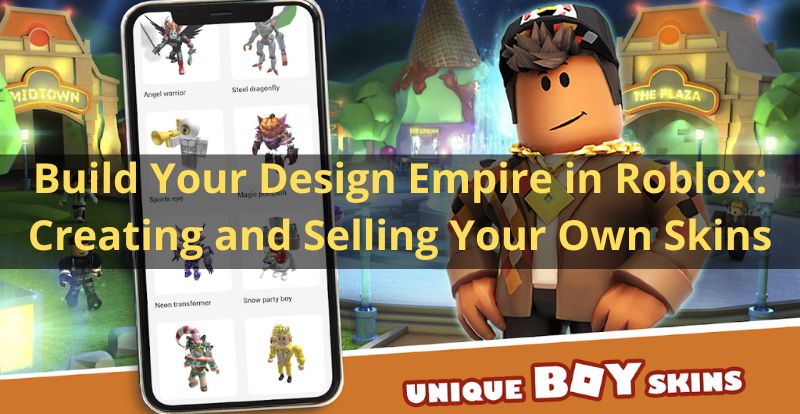
Earn Robux by Creating Clothing for Other Players
If you are passionate about virtual fashion design, Roblox offers an exciting "business opportunity." Your creations can become a coveted item that other players are willing to acquire using Robux. Best of all, as a creator, you get 70% of the final price of the garment. Before diving into this exciting career, it is essential to meet a requirement: owning a Roblox Premium account, which can be obtained for 450 Robux, approximately 4.99 euros. Additionally, it is crucial to follow the rules of the Roblox Community to ensure a positive experience for everyone.
Step 1 - Designing Garments with Creativity and Precision
Once you have ensured that you meet the requirements, it's time to dive into the creative process. Roblox provides official templates for T-shirts, shirts, and pants, with dimensions of 585 pixels wide x 559 pixels high. Download these templates and open them in your preferred editing program, ranging from basic options like Paint to more advanced alternatives like Photopea, Photoshop, or Illustrator. The key here is to respect the dimensions of the templates and the grids provided. Finally, save your creations in .JPG or .PNG format for later use.
Step 2 - Share Your Designs: The Testing Phase
Once your designs are completed, it's time to see how they look on your avatar. Open Roblox, log in, and go to "Create" > "My Creations" > "Shirts"/"T-Shirts" or "Pants." Select the file you created, give it a name, and click "Upload." Customize your avatar and test the clothing to ensure everything is in order. This step is crucial to ensure the quality of your designs before presenting them to the public.
Step 3 - Sell Your Designs: Turn Your Creativity into Profits
Having passed the testing phase, it's time to put your creations up for sale and start earning Robux for your efforts. Go to "Create" > "My Creations," select the type of design you want to sell, and click on the gear icon. From there, select "Configure" > "Sales" and set the selling price for the garment. It is advisable to be reasonable and realistic with your prices, typically ranging from 10 to 100 Robux. Once you make your first sales, keep in mind that you need to wait up to 3 days for the payment to be processed correctly. Repeat this process to establish your empire of clothing design in Roblox.
Unleash Your Creativity and Win in the Roblox Universe
Roblox offers an exciting platform for virtual fashion design enthusiasts. From creation to sale, this process allows you not only to express your creativity but also to earn Robux as you build your design empire in this vibrant virtual universe. Dive into this thrilling adventure and stand out among the Roblox community!
The diversity of skins available on the platform reflects the richness of the Roblox community and the creativity of its users. Some skins are designed by the players themselves, while others can be obtained through the official Roblox store.
In general, skins in Roblox are an integral part of the gaming experience and contribute to the individuality and personal expression of players within the virtual universe of Roblox.
Si quieres conocer otros artículos parecidos a Build Your Design Empire in Roblox: Creating and Selling Your Own Skins puedes visitar la categoría Youtube.
Leave a Reply